Cinematic ReShade Preset 1.0
by gta6mods teamOfficial team
8 MBFile size (estimate)
1.0Version
GTA 6 PCGame
GraphicsCategory
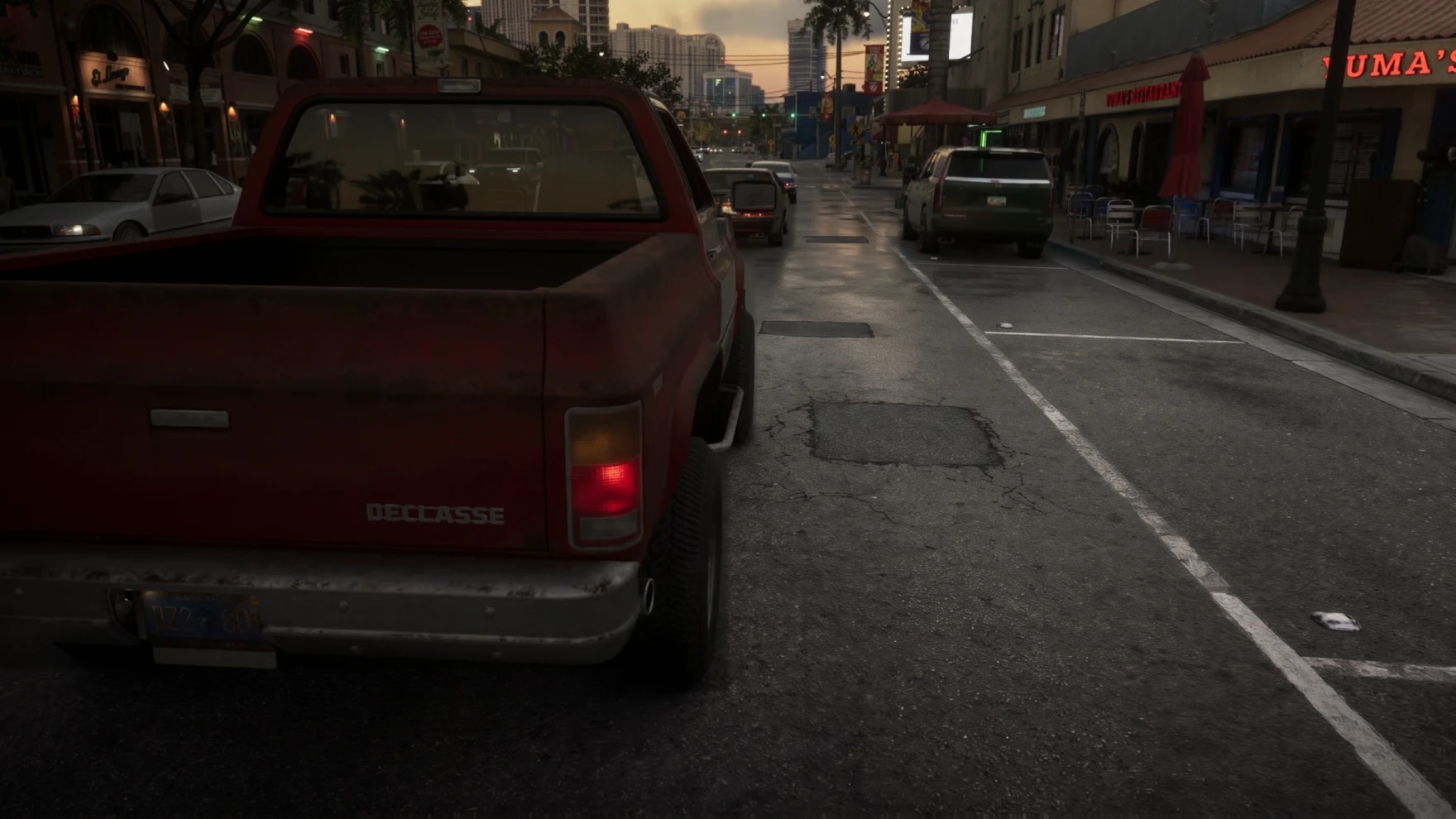
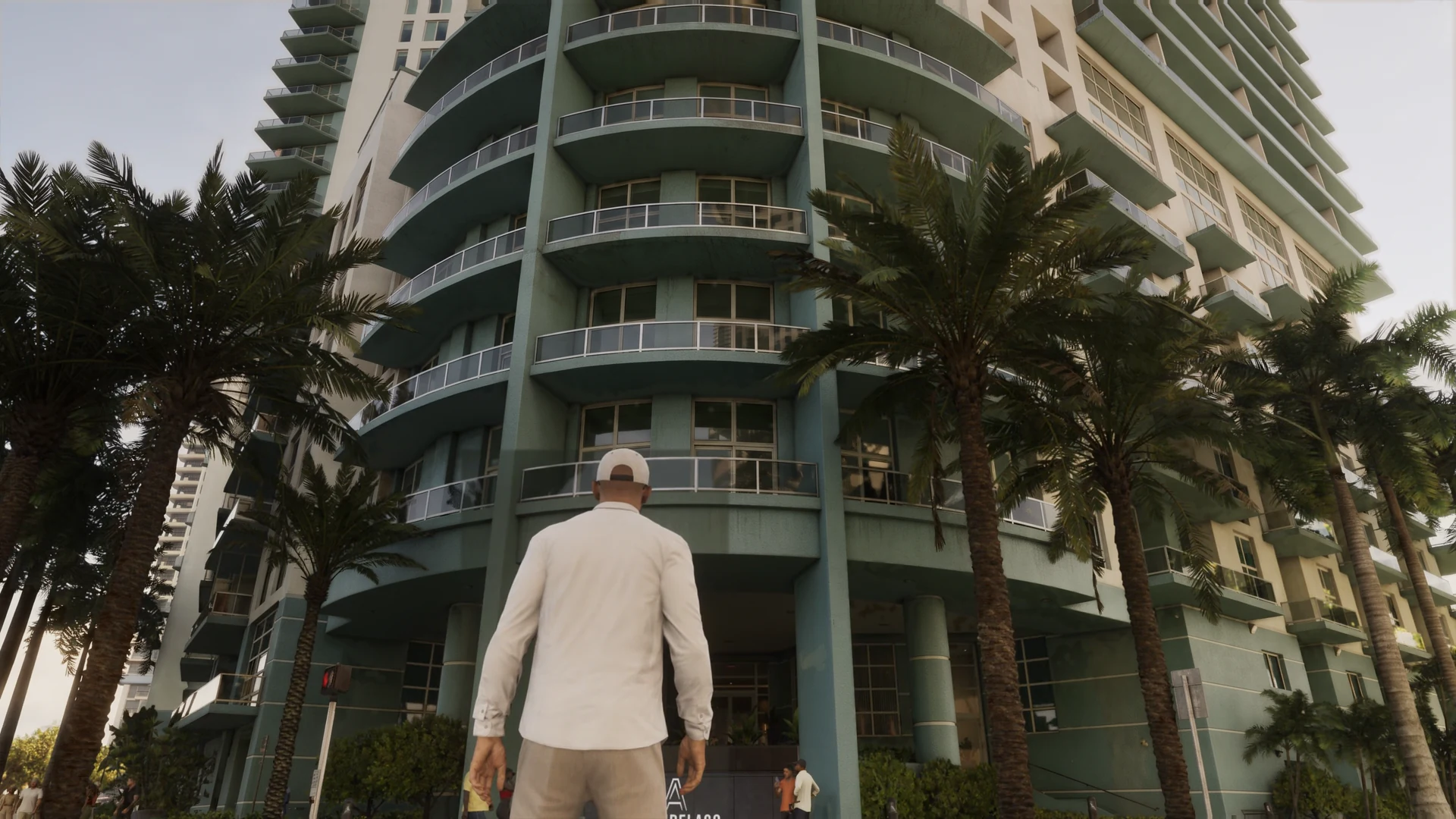
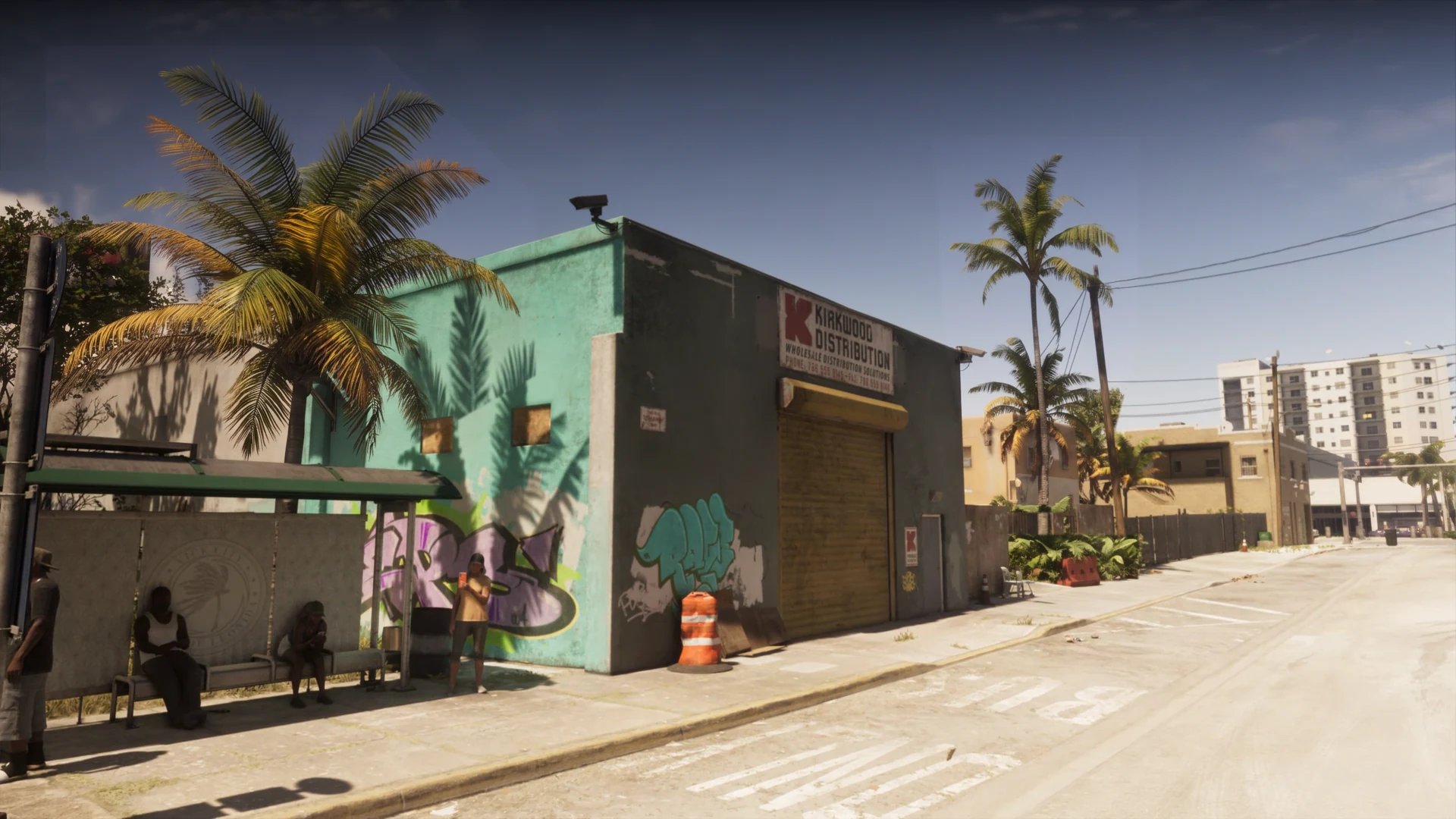
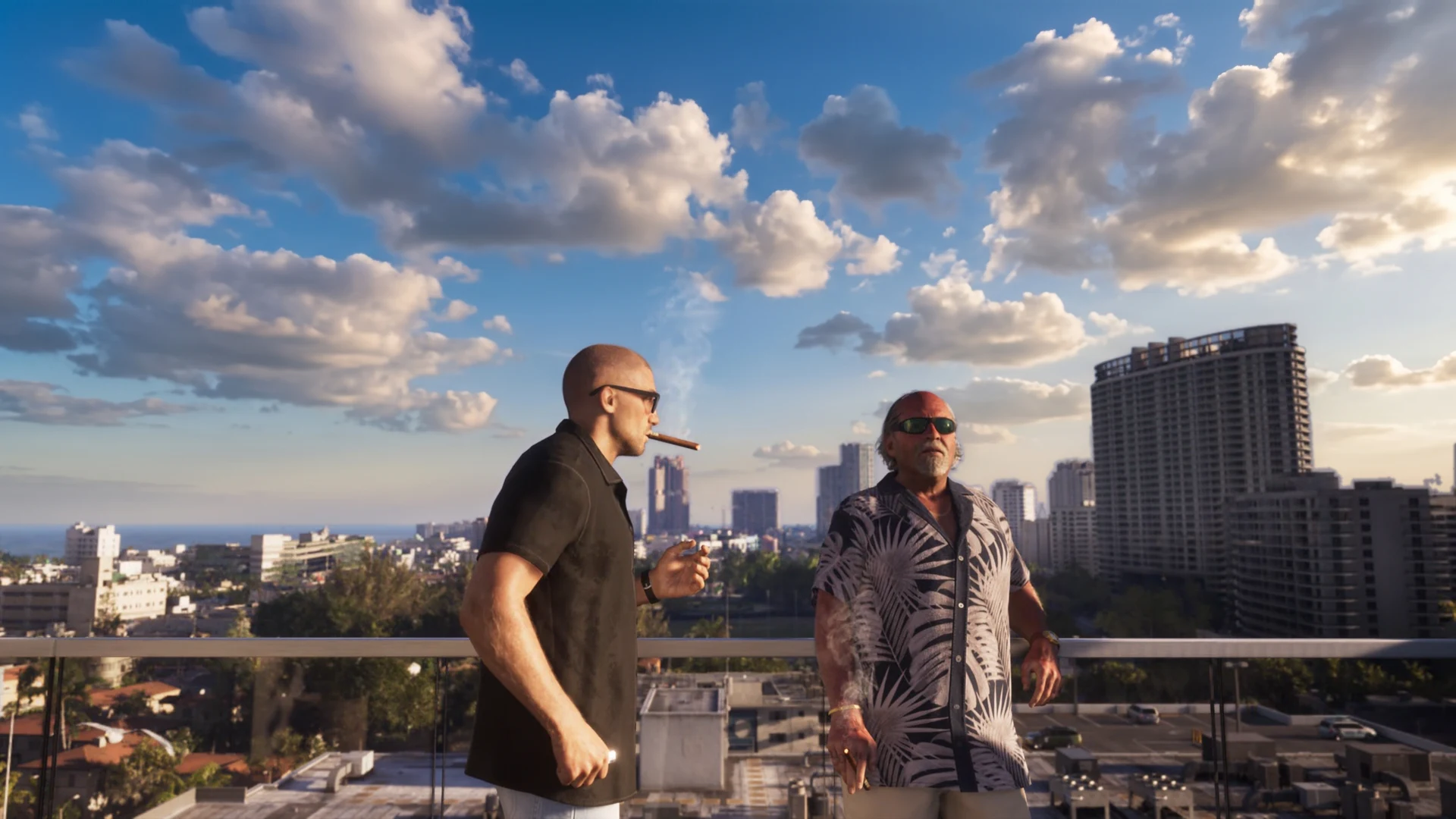
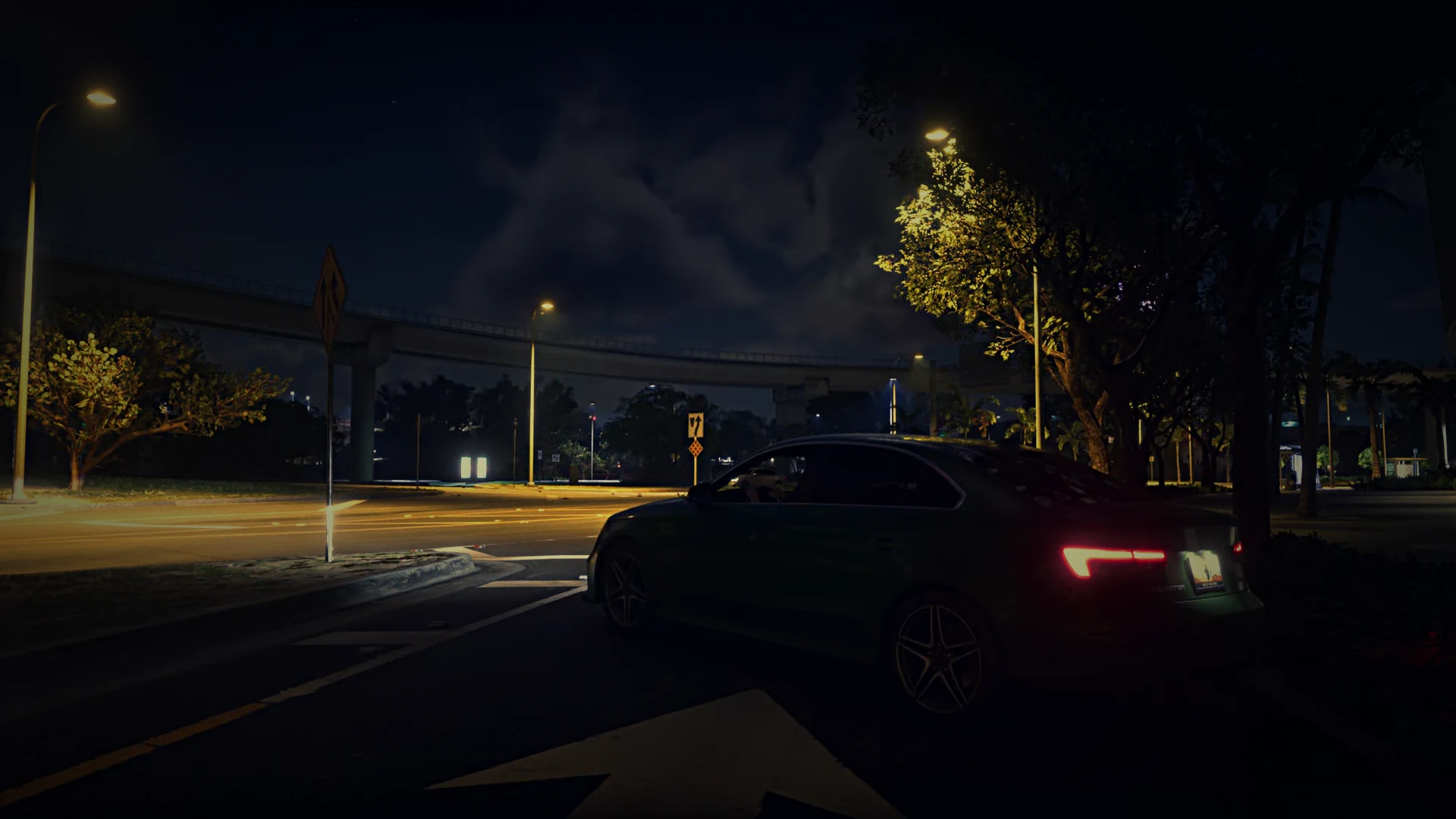 Concept image
Before and after
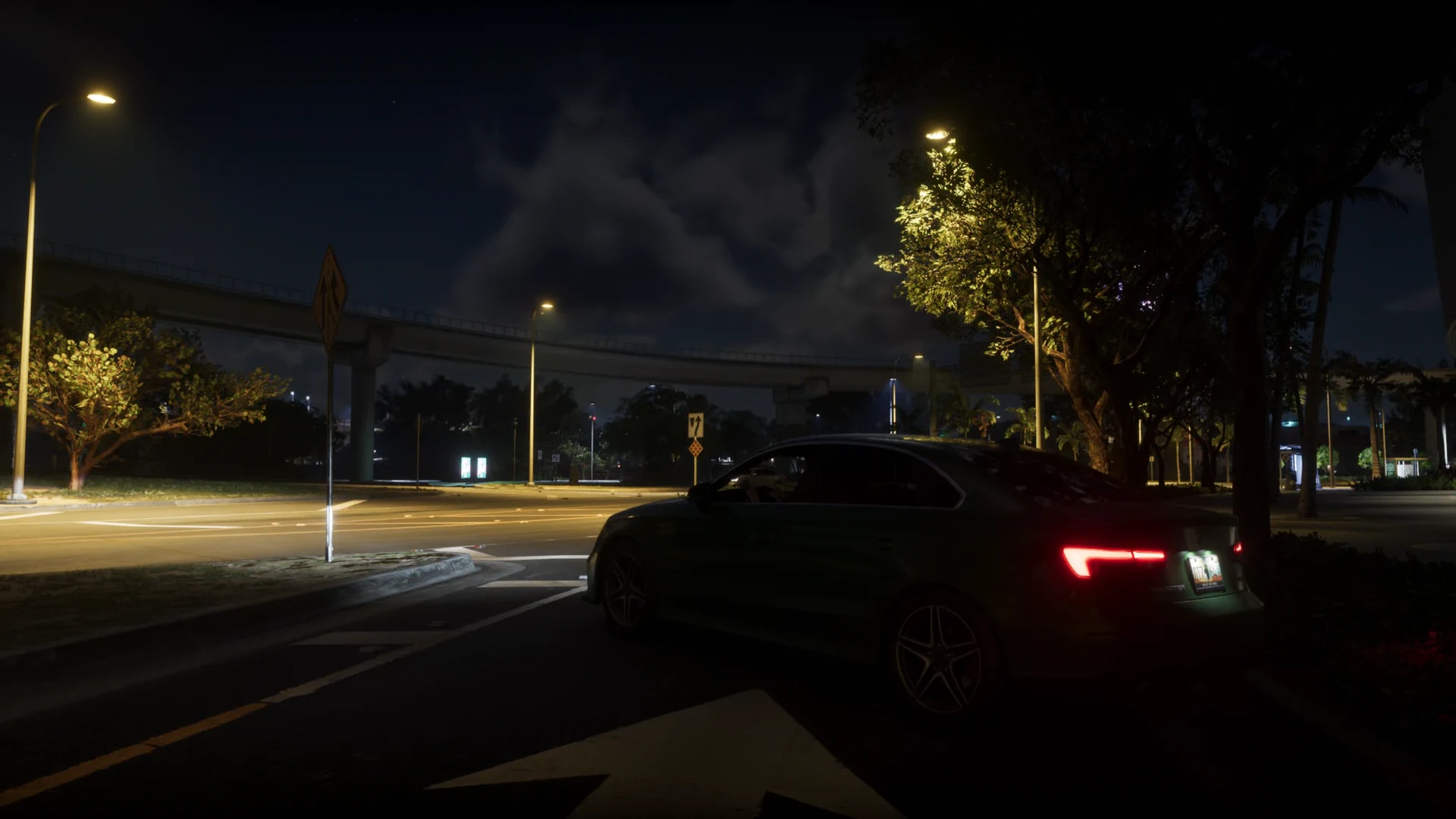
About
Film-style contrast, bloom and depth-of-field for screenshots and video. Heavier than the Natural Colors preset, so there is a Screenshot-Only profile. Not intended for everyday play on low-end PCs.
Requirements
- ReShade (separate download)
Install
- Install what it needs first: ReShade (separate download).
- Copy the preset into your ReShade folder and pick it in the ReShade menu.
- Start the game in single-player.
The Mod Loader will do these steps for you.