Road and Pavement Texture Upgrade (4K / 8K) 1.0
by gta6mods teamOfficial team
8 GBFile size (4K, estimate)
1.0Version
GTA 6 PCGame
GraphicsCategory
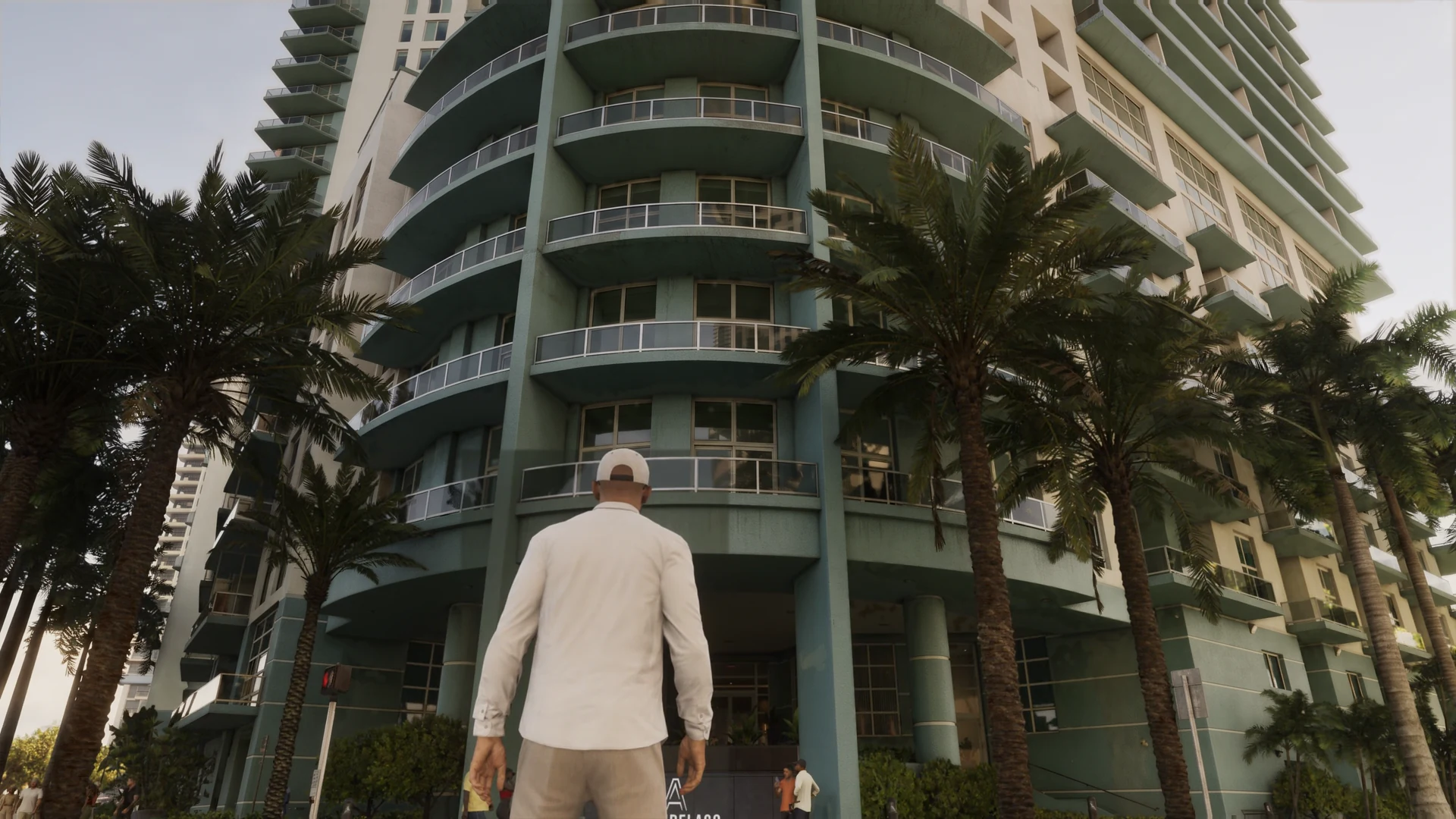
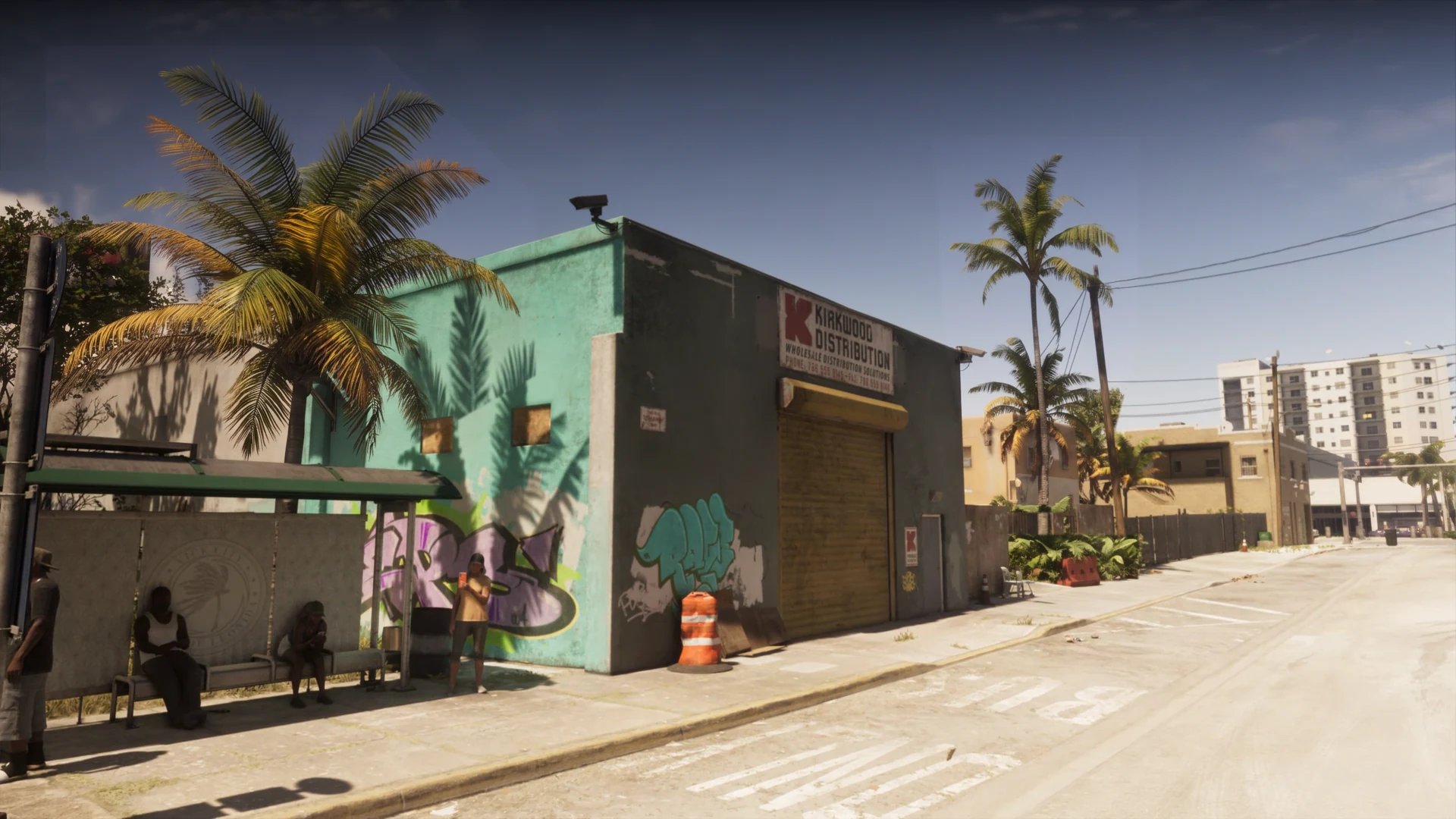
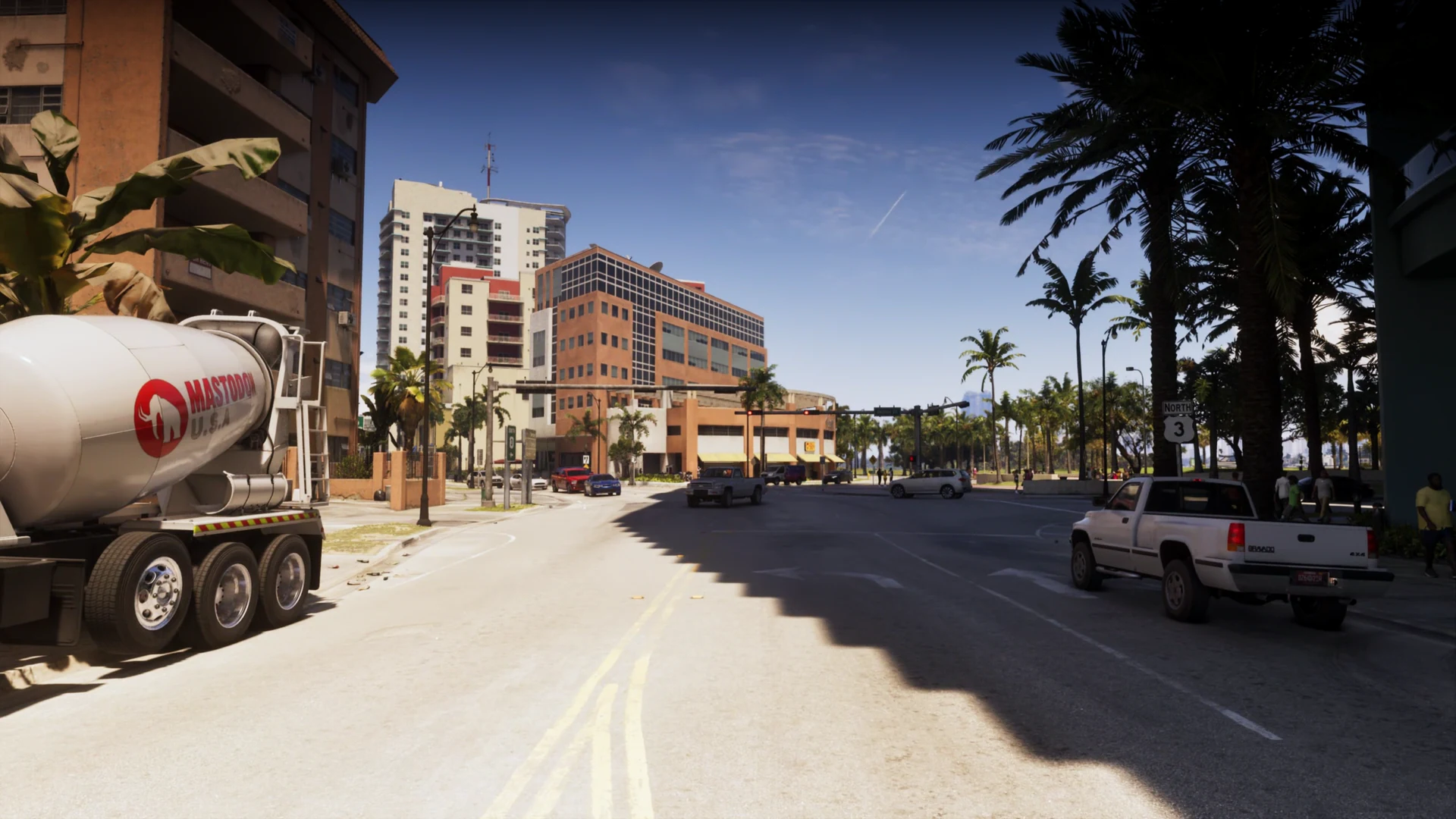
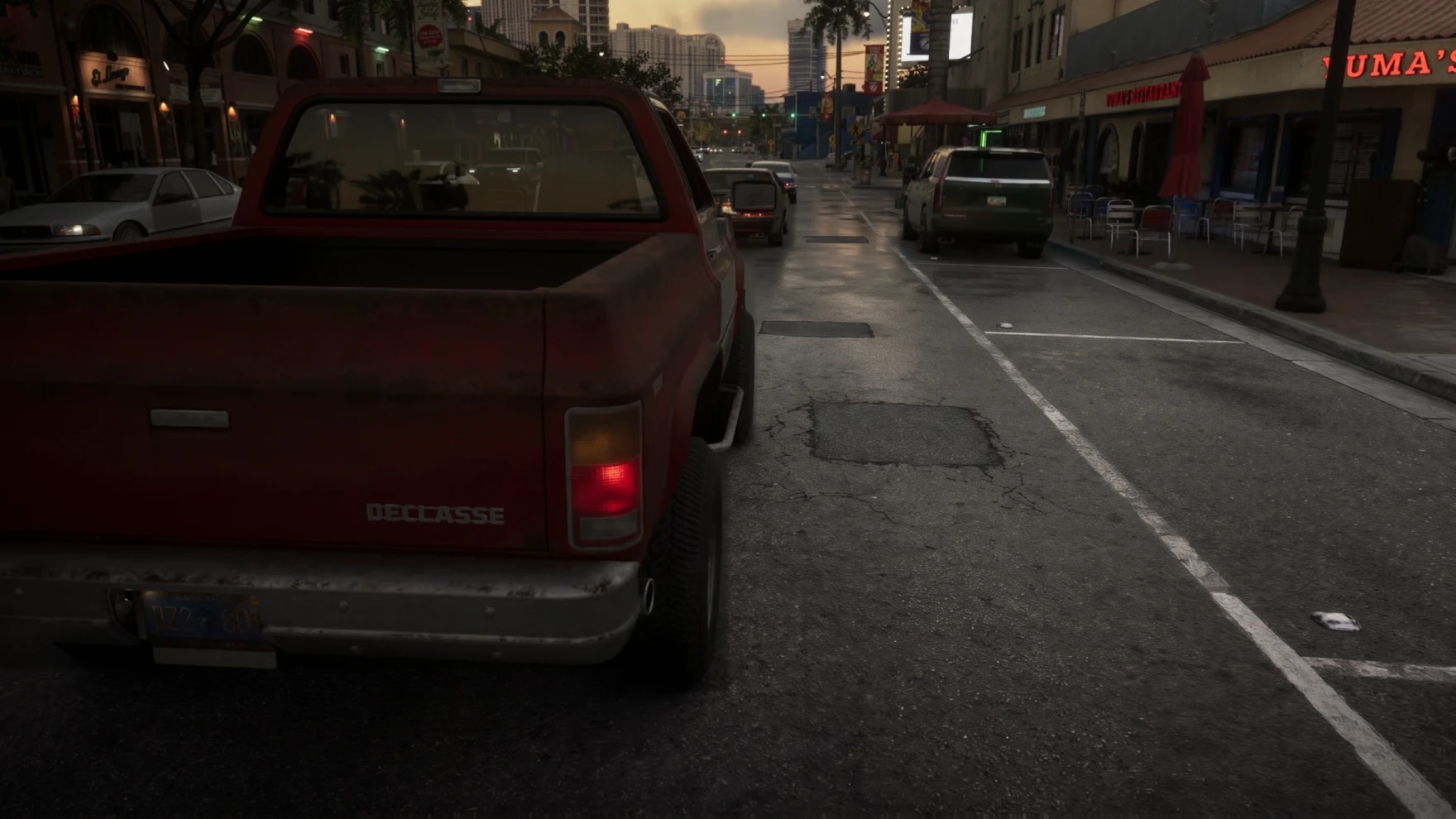 Concept image
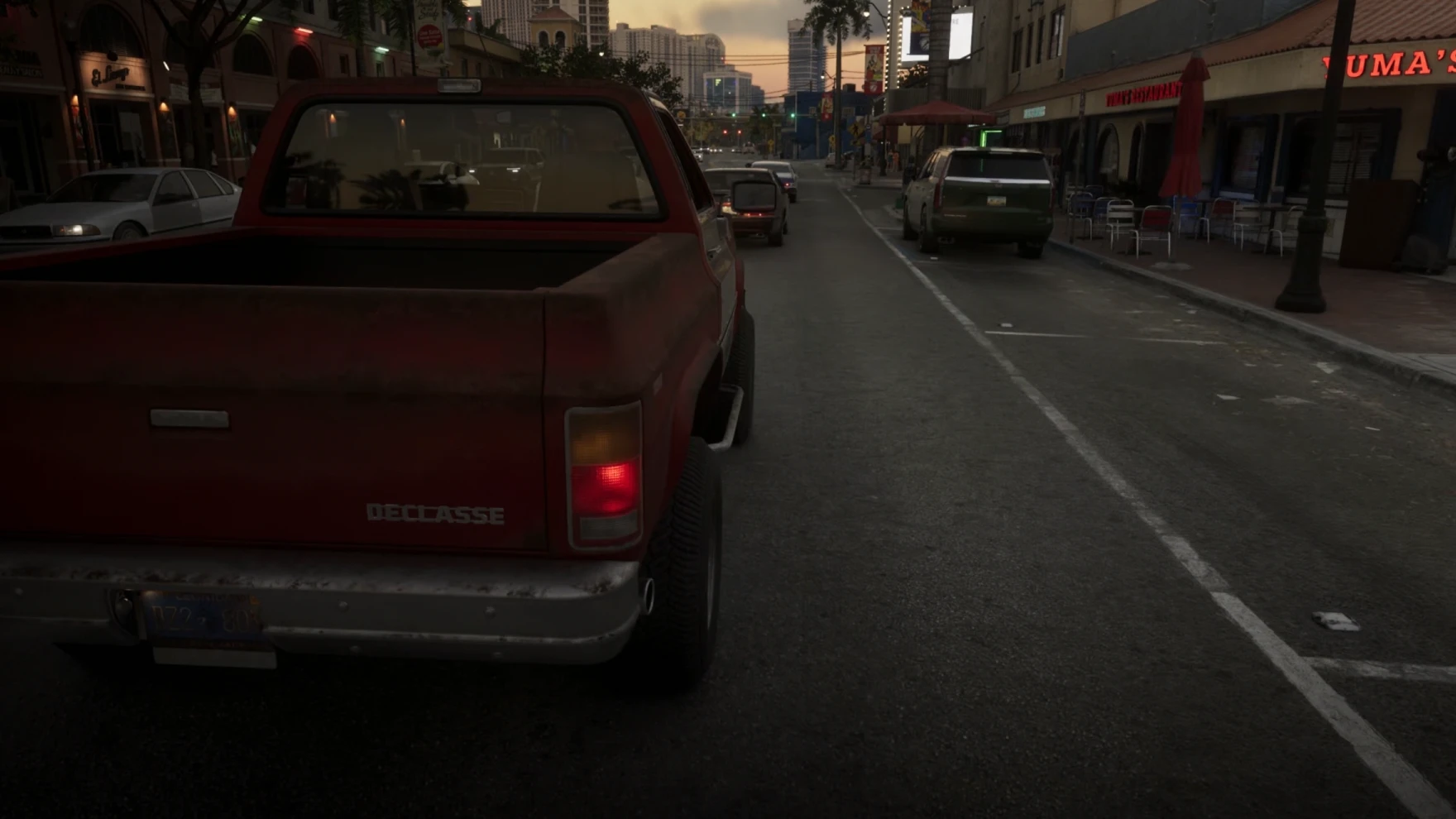
Before and after
About
Replaces road, pavement, curb and line-paint textures with sharper 4K or 8K versions, including wet and worn variants. Pick 4K for most PCs and 8K for high-end PCs with lots of VRAM. Original textures, not copies of the game's.
Requirements
Install
- Install what it needs first: Archive Browser and Editor, Mod Package Installer.
- Back up the game files it replaces.
- Install the package with the Mod Package Installer, or add the files with the Archive Browser and Editor.
- Start the game in single-player.
The Mod Loader will do these steps for you.